3D Nail Printers Compared: the Best Devices for Your Studio (2026)
In this article
Note: This article contains affiliate/advertising links. As an Amazon Associate we earn from qualifying purchases. If you click such a link and buy something, we may receive a small commission – at no extra cost to you.
A 3D nail printer promises what is often in shortest supply in the daily studio routine: elaborate motifs in seconds instead of many minutes of handwork. For beauty and nail studio owners that sounds exciting – but the market is hard to navigate, many devices look alike and the promises are big. This comparison classifies seven currently available models, explains the criteria that really matter when buying and tells you which device suits which type of studio.
What a 3D nail printer does in the studio
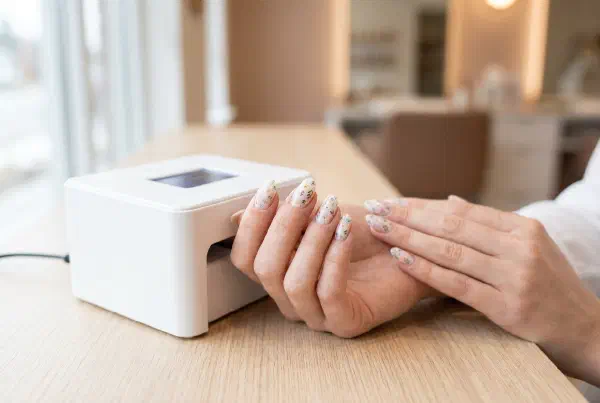
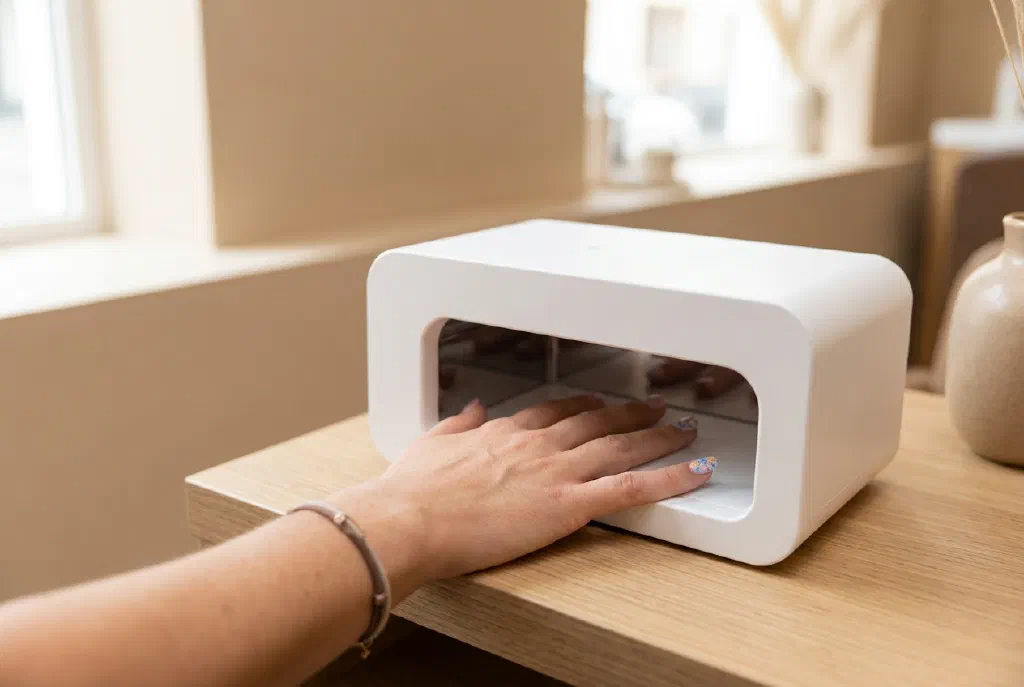
A nail printer transfers a digital motif directly onto the nail or onto tips. Instead of painting lines and patterns freehand, you choose a design from a library or upload your own motif via app, and the printer renders it. With intricate designs, logos or photo motifs this saves time and ensures an even, reproducible result – especially when several clients want the same look. You can read about how exactly the technology works and whether the purchase pays off in the guide Is a 3D nail printer worth it for your studio?.
What to look for when buying
- Print quality & resolution: How clean and opaque does the motif look? Fine lines and gradients separate the wheat from the chaff.
- Design library & your own motifs: Are there many preinstalled designs, and can you print your own images or studio logos via app?
- Speed per nail: Seconds per nail sounds tempting – realistically, what counts is the entire workflow including preparation and top coat.
- Surface: Does the device print onto the natural nail, onto tips or does it prefer press-on nails? This affects your workflow.
- Consumables & ongoing costs: Special cartridges, base/top coat and spare parts determine the running costs.
- Operation: Touchscreen, app stability and clear instructions decide its everyday usefulness.
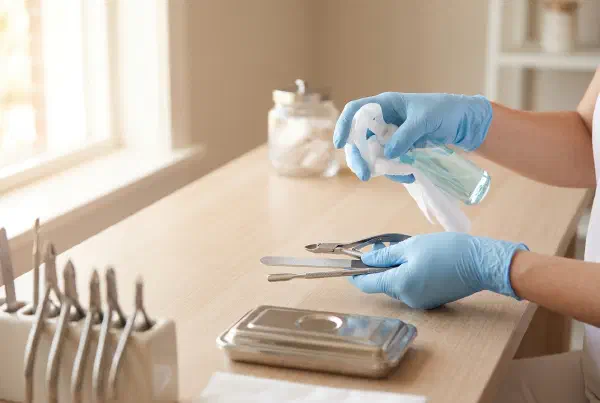
- Hygiene & cleaning: In the studio every device has to be quick and safe to clean.
- Support & spare parts: With many no-name devices this is the biggest unknown – check reviews on durability and service.
The devices at a glance
The following seven models cover the typical range – from the compact entry-level option to the device marketed as “professional”. We have not tested the printers ourselves over weeks; the assessment is based on the manufacturers’ specifications and the product category. Before buying, be sure to check current reviews and the scope of delivery on the product page.
Touchscreen & personalized designs
Devices with a touchscreen are pleasant in the studio because you select motifs directly on the display and can also print your own photos or logos via app.
Automatic / robot model
Printers marketed as “robots” position themselves as the most automatic, all-in-one workflow possible – interesting if you want even results without much manual intervention.
Marketed as a professional / DIY device
Smart / app models and preinstalled designs
Smart printers rely on app connectivity; models with a large preinstalled library allow a quick start, even without your own design.
Standard and compact models for getting started
If you first want to try out whether a nail printer fits your concept, you are better off with a standard or compact device on a smaller budget.
Which device is worth it for whom?
- You just want to test whether the technology suits your studio: Start with a standard or compact model and a manageable budget.
- Your own motifs, logos and photo designs matter to you: Look for a touchscreen / app model with an upload function.
- You often print the same looks for many clients: A device with a large design library and a stable workflow saves the most time.
- You want as little manual intervention as possible: Then the models marketed as automatic/robot are worth a look – but factor in the learning curve.
Whichever model you choose: the printer does not replace clean preparation. A well-cared-for nail plate, properly pushed-back cuticles and a good top coat decide the final result – just as with classic nail art.
Frequently Asked Questions (FAQ)
Does a nail printer print directly onto the natural nail? Many devices print onto the prepared natural nail with base coat, others prefer tips or press-on nails. Which surface is recommended is stated in the respective product description – plan your workflow accordingly.
How long does the printed motif last? Durability depends heavily on sealing and care. Without a good top coat, the motif fades or scratches more quickly. With clean sealing, similar wear times to classic nail design are realistic.
Is a cheap entry-level device worth it? For trying it out, yes. For permanent studio use you should check print quality, the availability of consumables and reviews on durability – otherwise the ongoing costs or an early defect become expensive.
Do I need training for a nail printer? Official training is usually not required, but some practice is. Plan a few trial runs before you use the device at the client’s chair. Whether the investment pays off is something we work out in the guide Is a 3D nail printer worth it for your studio?.